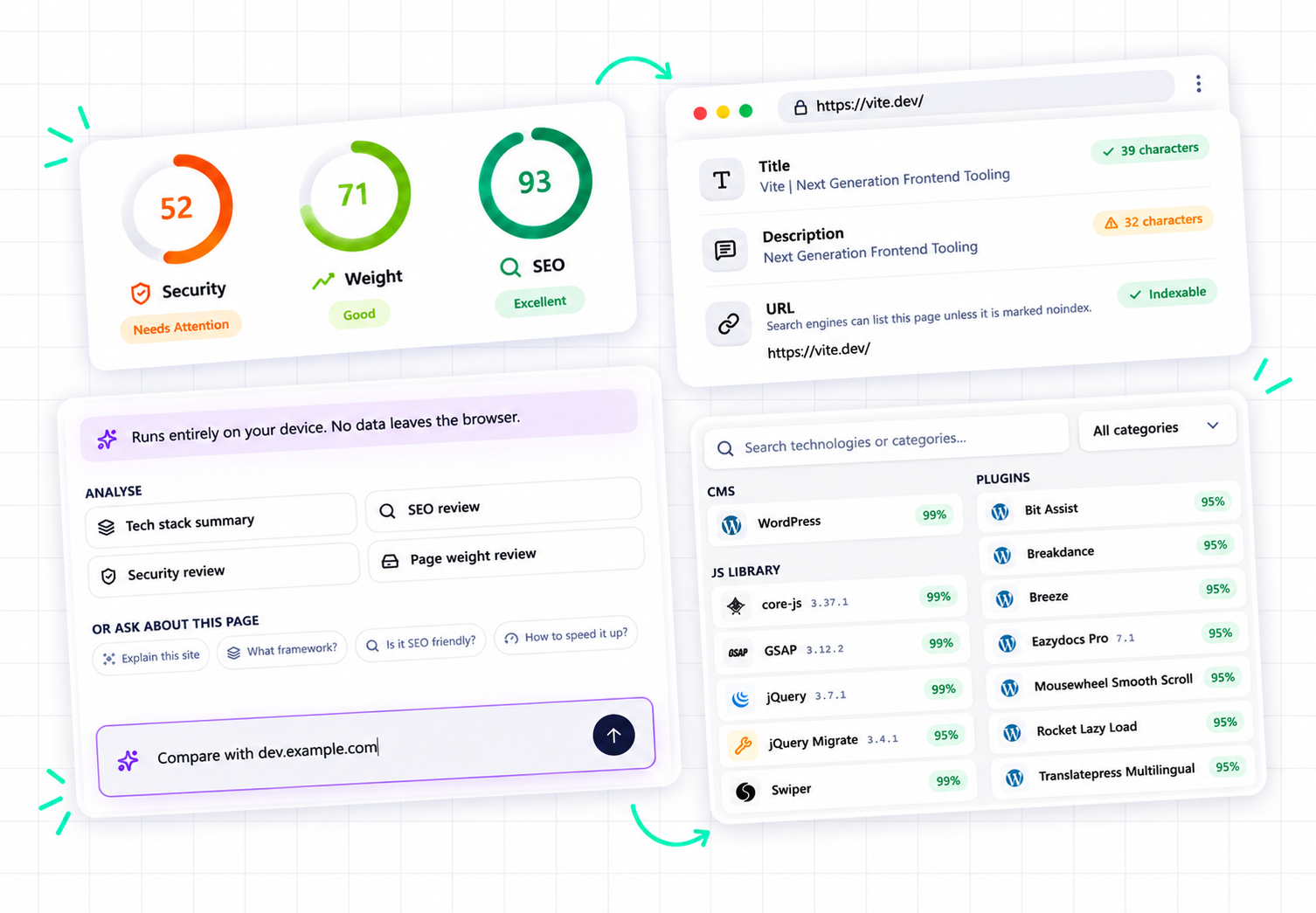
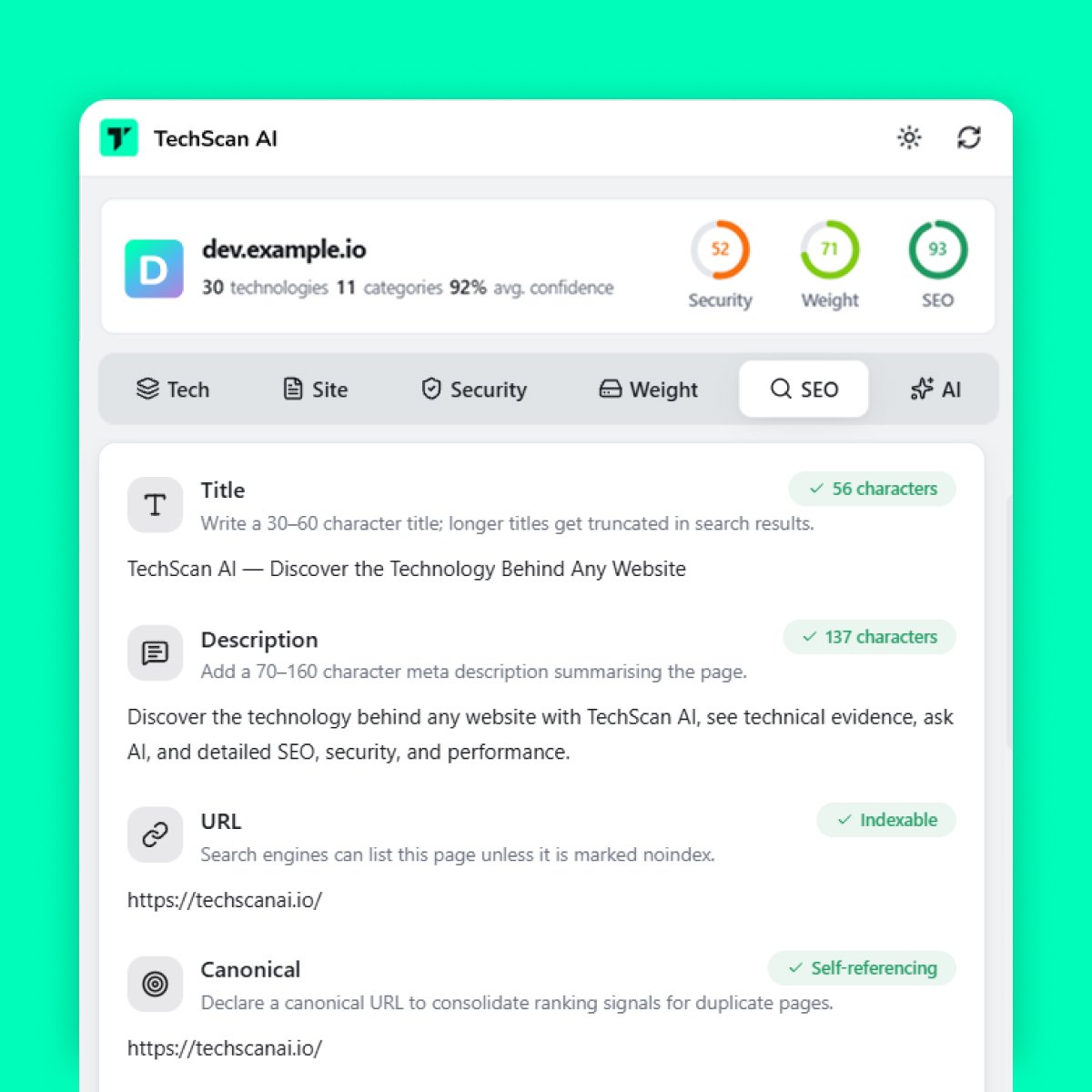
Review important SEO-related signals and get a quick picture of how a website is configured for search.
- title
- meta description
- headings
- canonical
- robots
- lang
- viewport
01Overview
Your Website Intelligence Toolkit
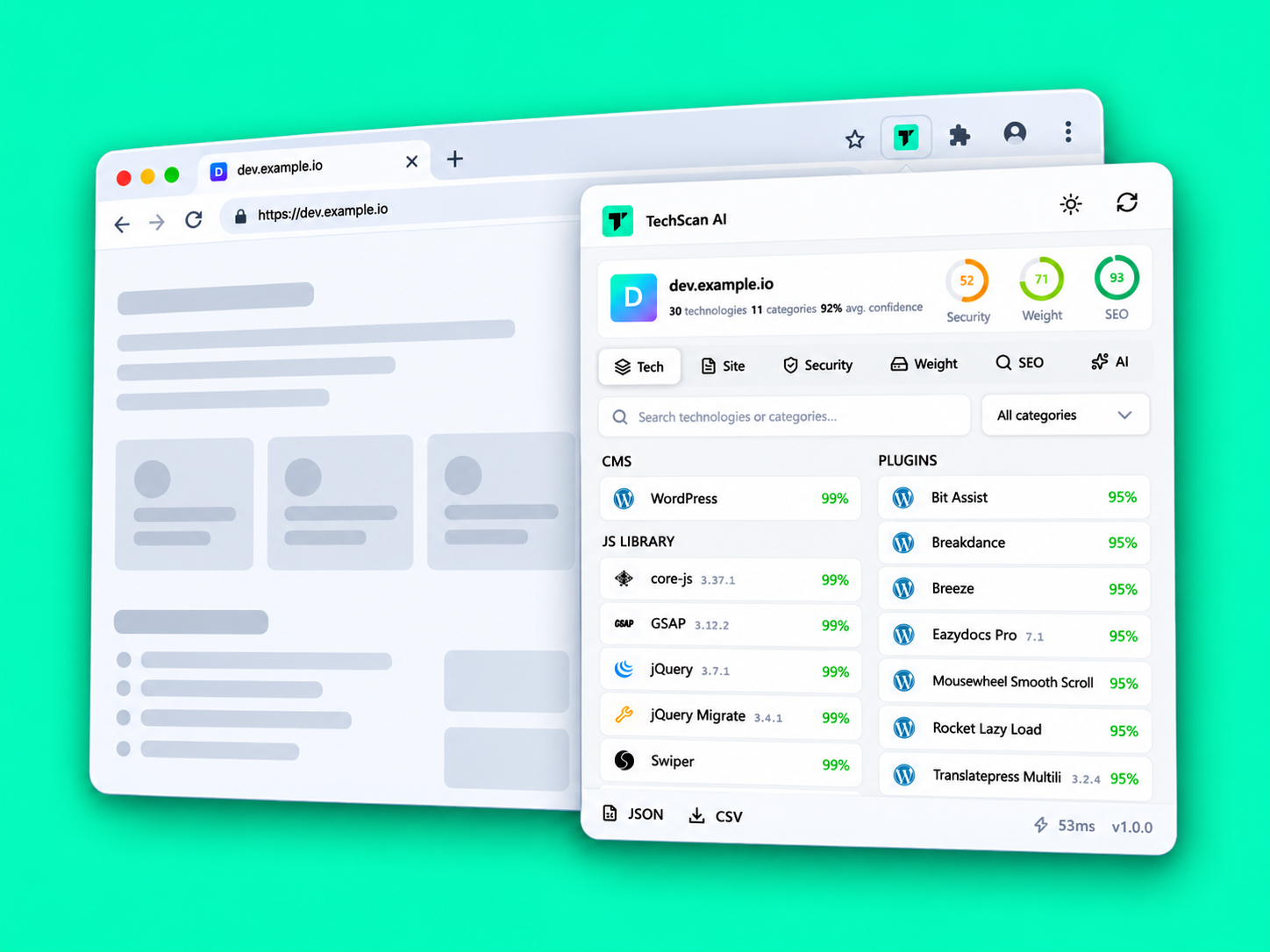
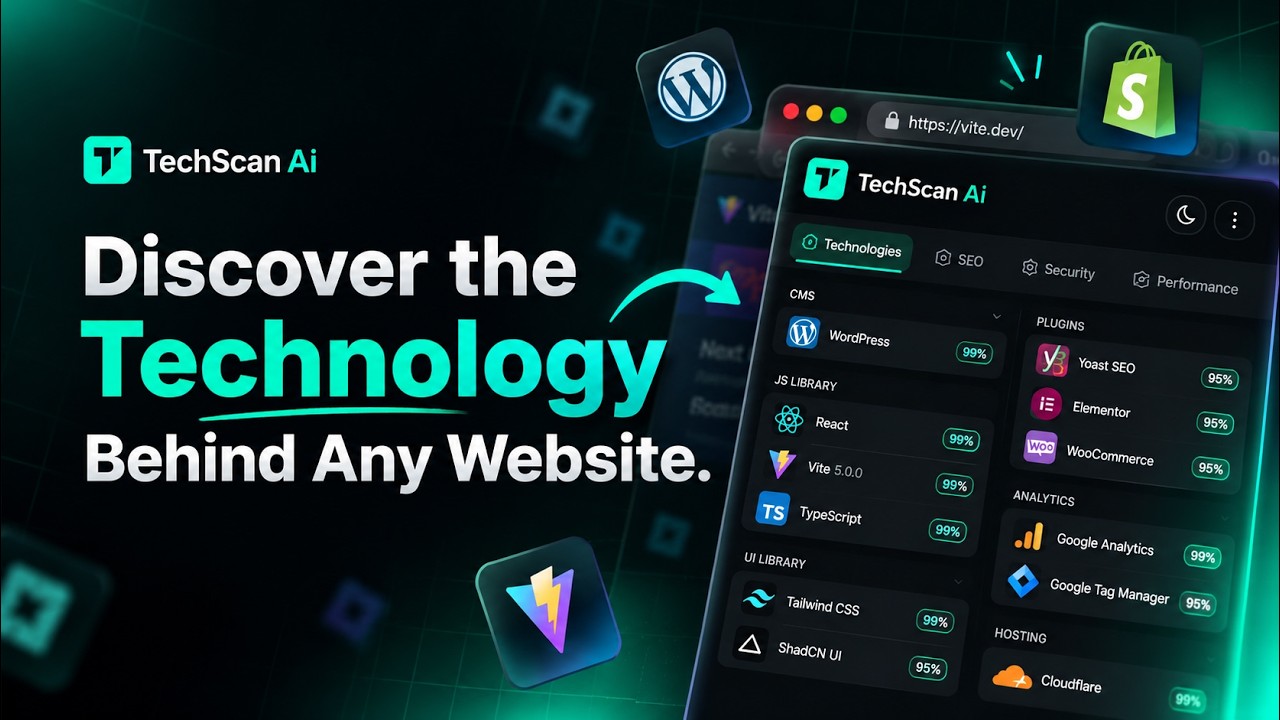
Discover the technologies powering any website, from WordPress themes and plugins to Shopify themes and apps. Go deeper with detailed SEO analysis, security insights, page weight and performance signals, and technical resource analysis. Explore the evidence behind detections and use on-device AI to understand what it all means — in one Chrome extension.
02Coverage
From the platform a site runs on to the fonts it renders — a look at the kinds of technology TechScan AI identifies across its 23 categories.
The content platform a site is built on — WordPress, Drupal, Joomla and others.
The theme and plugins behind a WordPress site, identified from the assets they load.
Shopify storefronts, along with their themes and apps where they can be detected.
Frameworks and libraries shaping the front end, from React and Vue to jQuery.
Styling frameworks such as Tailwind CSS and Bootstrap.
Tools that measure traffic and behaviour, like Google Analytics.
Tag managers, pixels and marketing scripts running on the page.
Checkout and payment providers such as Stripe and PayPal.
Where a site is served from, such as Vercel or Netlify.
Delivery networks like Cloudflare that sit in front of a site.
Web servers and platform layers such as Nginx and Apache.
Web font services, including Google Fonts and Adobe Fonts.
The supporting libraries and utilities that round out a stack.
And more
Security, SEO, video, support and developer tooling round out the 23 categories.
03Evidence
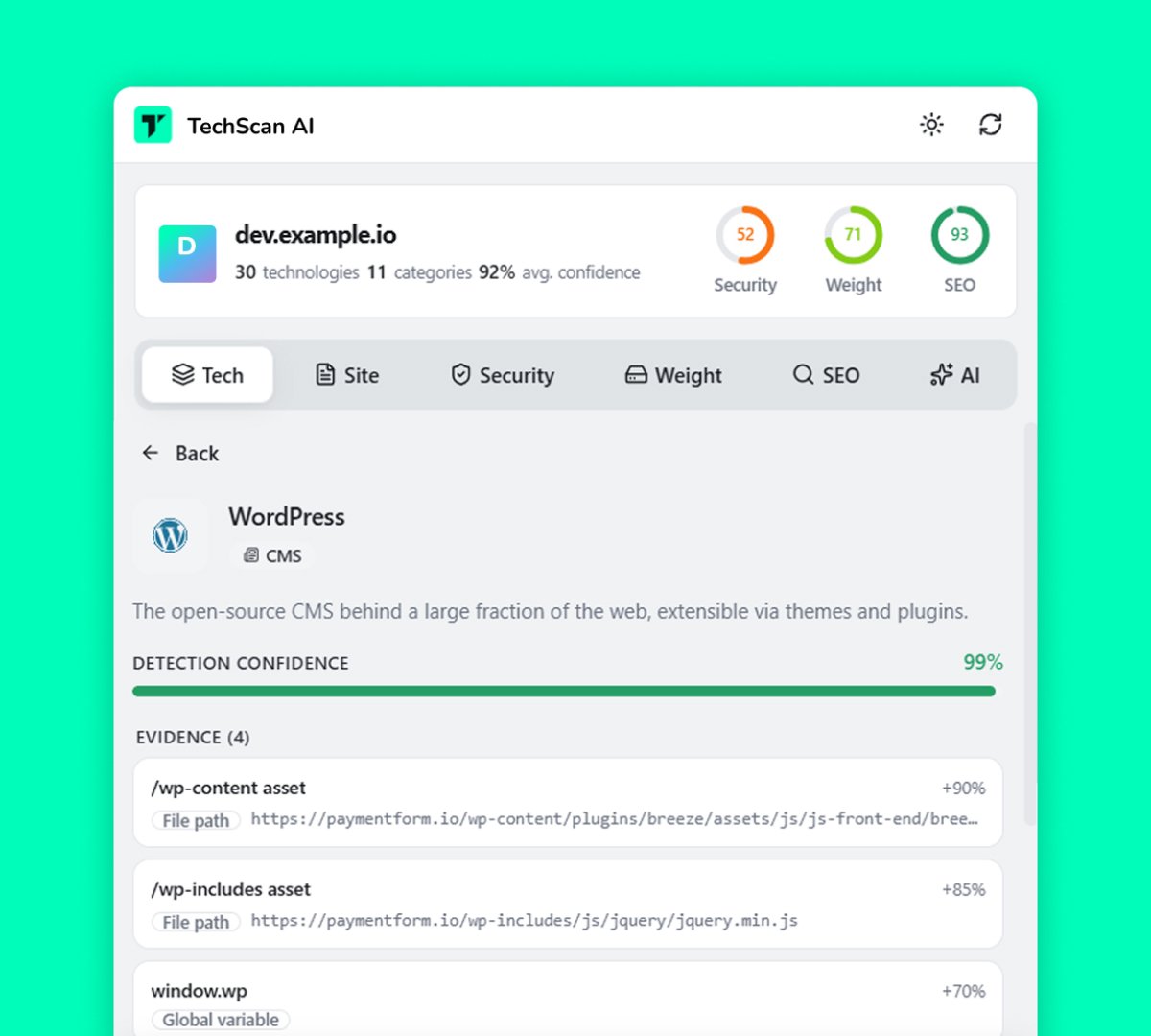
Technology detection shouldn't feel like a guess. TechScan AI shows the technical signals behind detections so you can understand why a technology was identified.
<script src> · inline globals
/wp-content/… · asset paths
DOM structure · attributes
<meta name="generator"> · headers
window.* · cookies · patterns
No black box. Just useful technical evidence.
04Pipeline
Every scan follows the same path: from the raw signals a page exposes, to a detection you can verify, to an explanation you can use.
Any site open in your active Chrome tab.
Scripts, resources, markup, metadata and response headers are read from the page.
Signals are matched against detection rules for 700+ technologies across 23 categories.
Every detection keeps the signals that identified it, with a confidence score.
On-device AI explains what each technology does and how the stack fits together.
05On-device AI
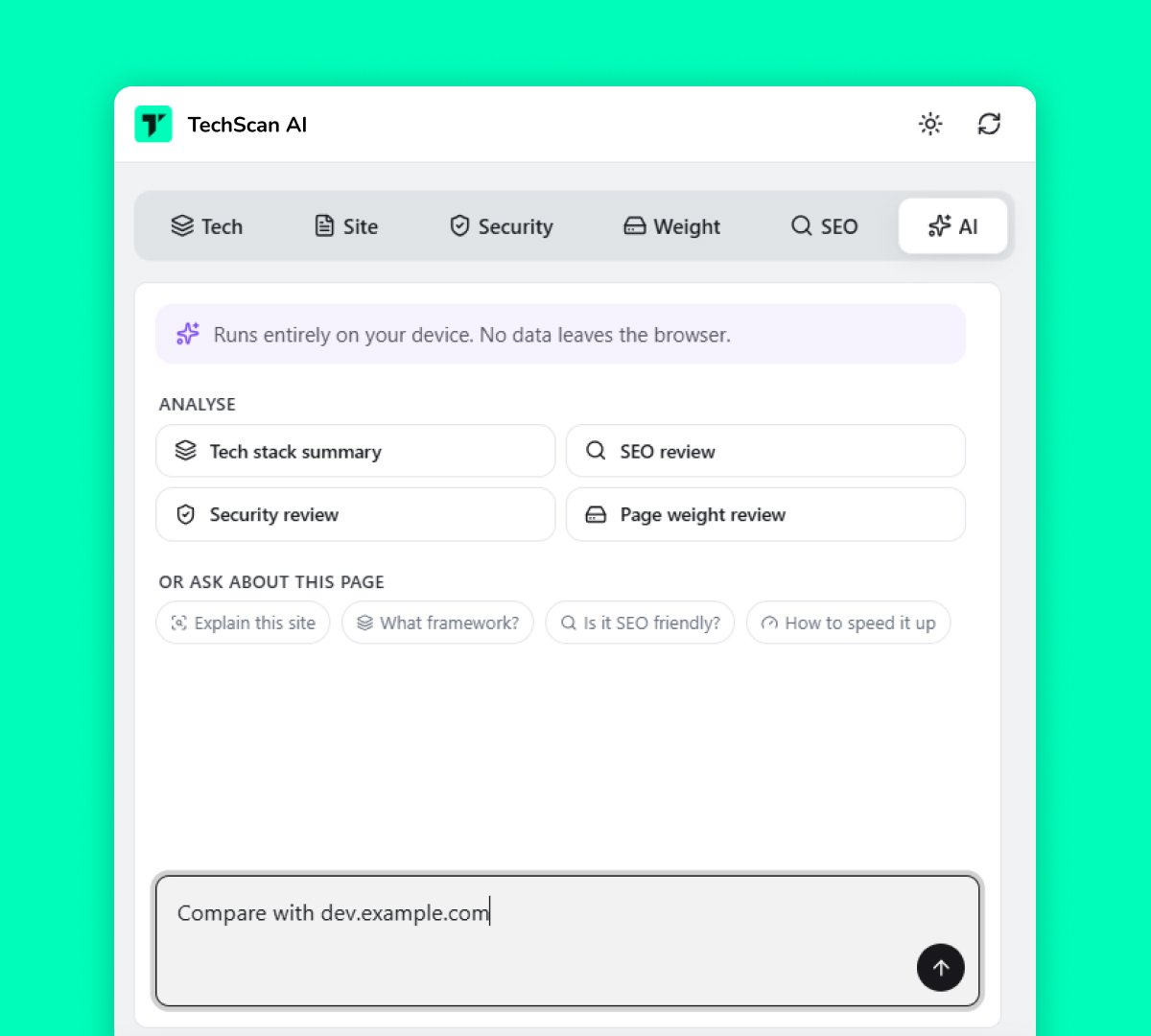
Finding a technology is only the beginning. Ask AI questions about detected technologies and get clear, contextual explanations that help you understand what the technology does and how it fits into the website.
TechScan AI uses Google Gemini Nano through Chrome's built-in on-device AI capabilities when supported.
06Insights
TechScan AI combines technology detection with additional website insights, helping you understand more than just the tools behind a page.
Review important SEO-related signals and get a quick picture of how a website is configured for search.
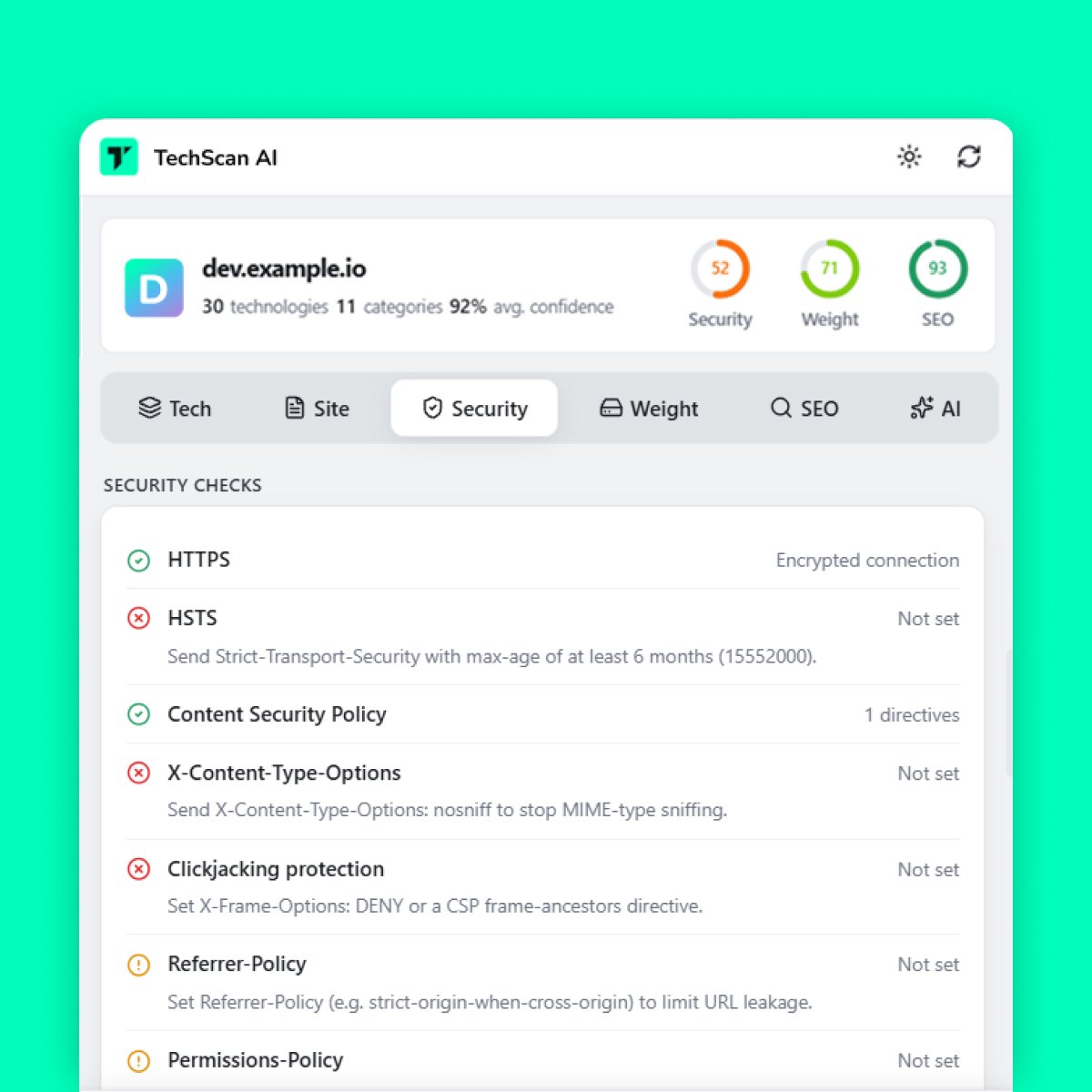
Explore security-related configuration and signals that can help you understand a website's security posture.
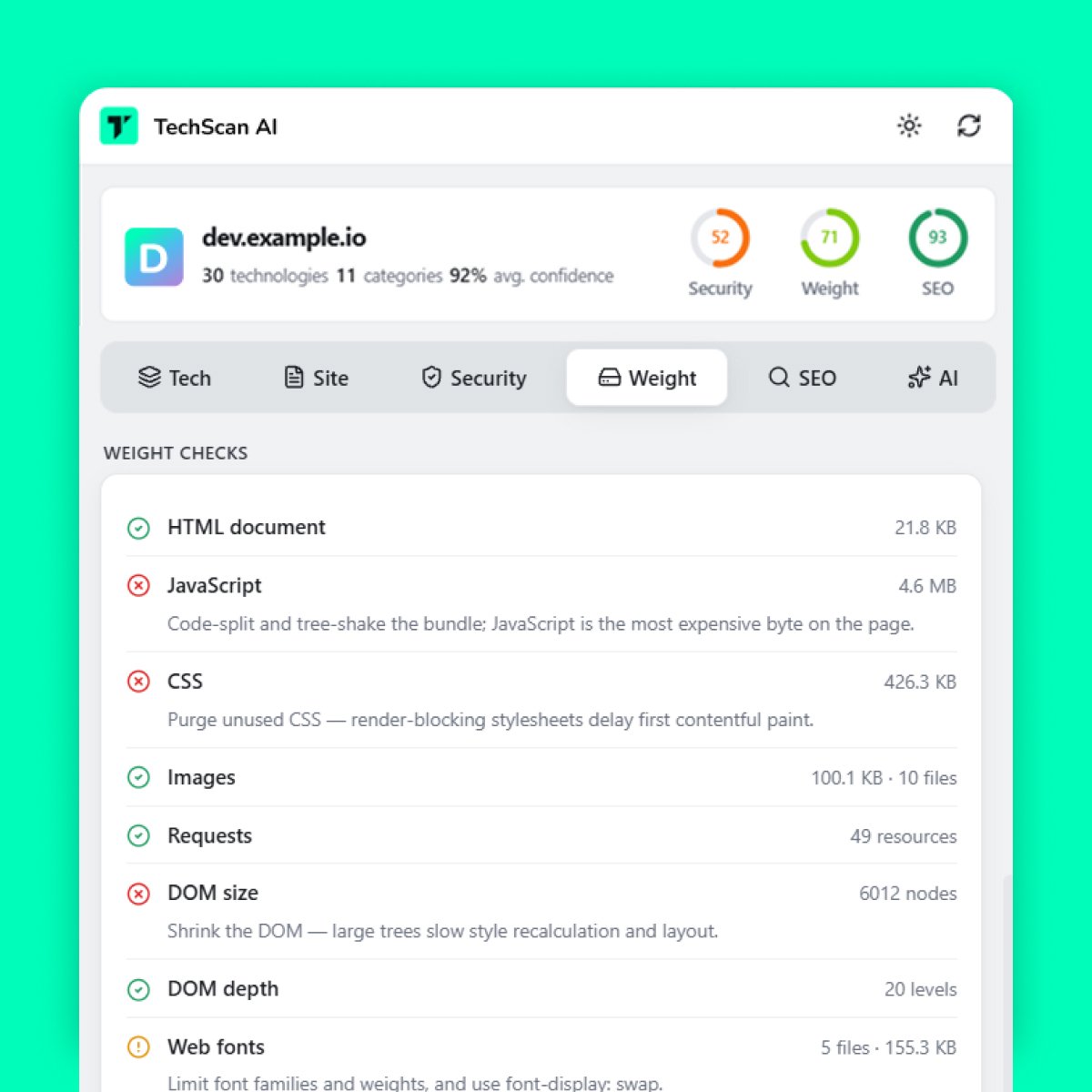
Get technical performance-related signals that help you understand factors affecting a website.
07Workflow
Step 01
Visit the website you want to analyze in Chrome.
Step 02
Open the TechScan AI extension and start a scan.
Step 03
See detected technologies, technical evidence, AI explanations, and additional website insights.
08Privacy
TechScan AI is designed with privacy in mind. Website analysis is performed locally, and AI-powered analysis runs on-device when supported.
Read Our Privacy Policy10Use cases
Discover how your favorite websites are built and what technologies power them.
Found a technology you don't recognize? Use AI to understand what it does.
Explore the technologies used across websites and understand modern web stacks.
Get a quick technical overview of your site's technologies and additional website signals.
11FAQ
For the latest availability and feature details, see the Chrome Web Store listing.
TechScan AI is a Chrome extension that identifies the technologies powering websites and provides technical evidence, AI-powered explanations, and additional SEO, security, and performance insights.
TechScan AI can detect 700+ technologies across 23 categories, including CMS platforms, frameworks, libraries, plugins, themes, analytics, payment services, hosting, CDNs, and more.
Yes. TechScan AI uses Google's Gemini Nano through Chrome's built-in on-device AI capabilities to provide contextual explanations of detected technologies when supported.
No account is required for the core extension experience.
Yes. WordPress themes and plugins are among the technologies TechScan AI can detect.
Yes. TechScan AI can identify Shopify-related technologies, including themes and apps where detectable.
Yes. TechScan AI provides additional SEO-related signals alongside technology detection.
Yes. The extension provides security-related signals to help you understand a website's configuration.
The extension is available through the Chrome Web Store. Check the current Chrome Web Store listing for the latest availability and feature information.
Website analysis is designed to run locally. AI-powered analysis runs on-device when supported.